Introducing the Reveleer
IT Self-Service Portal
What Is It?
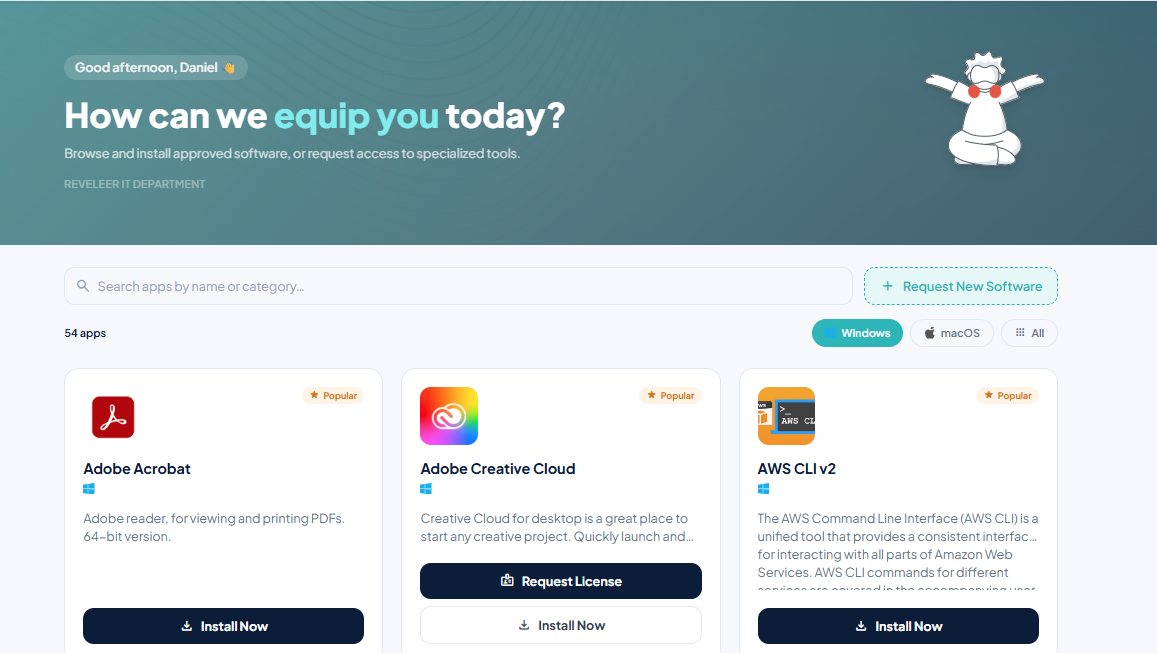
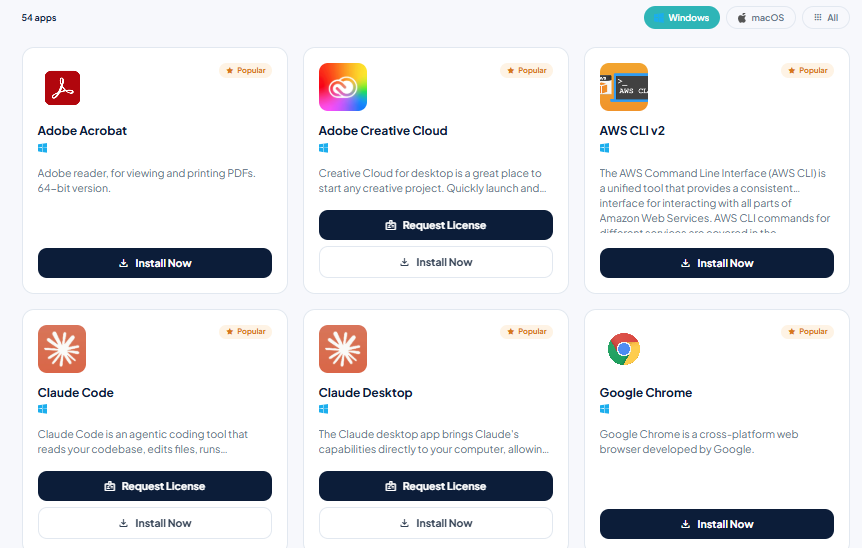
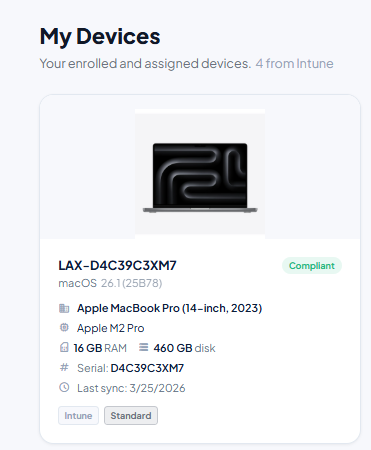
The Reveleer IT Self-Service Portal is an internally-built, hand-crafted, single unified web application that gives every Reveleer employee fast, self-directed access to the tools, information, and IT support you need - without hunting through emails, bookmarks, or Teams chats. Accessible from any browser on Windows or Mac or even on your mobile phone, it brings everything IT into one place: software, tickets, devices, knowledge articles, service requests, alerts, and live service health.
Why did we build this? As Reveleer scales, so does the volume and complexity of IT needs across the company. We built the portal to eliminate friction - reducing wait times, giving employees visibility into their own requests and devices, and empowering internal teams to resolve common issues without always needing to open a ticket. It's IT that works at the speed of the business.
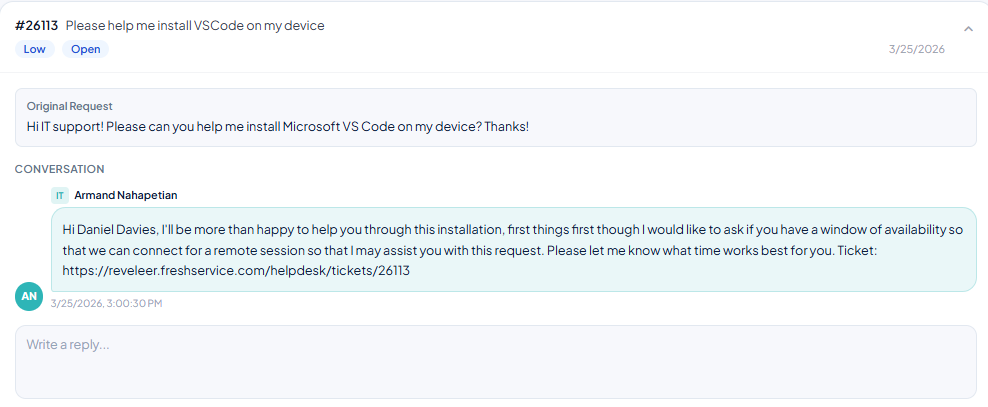
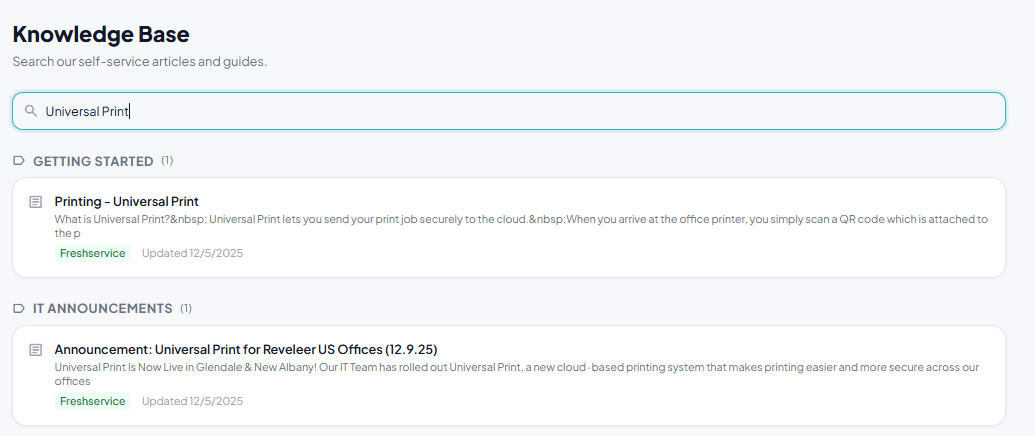
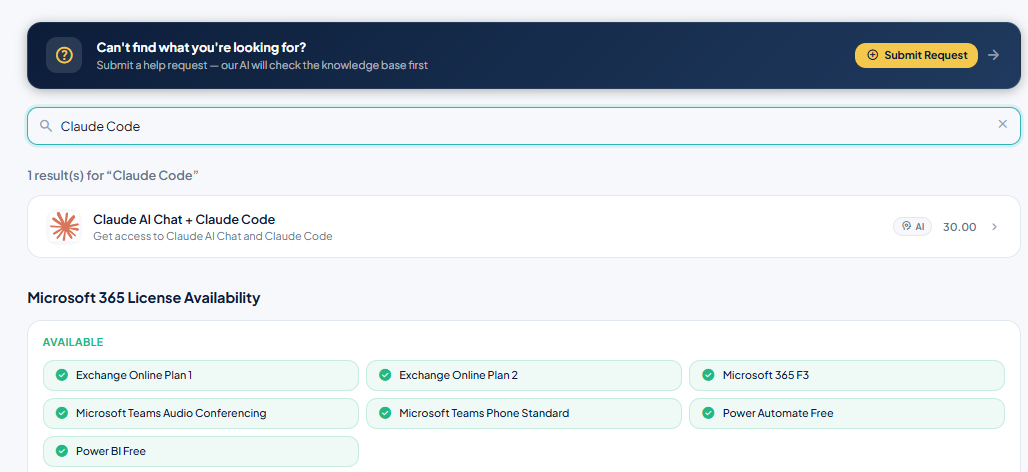
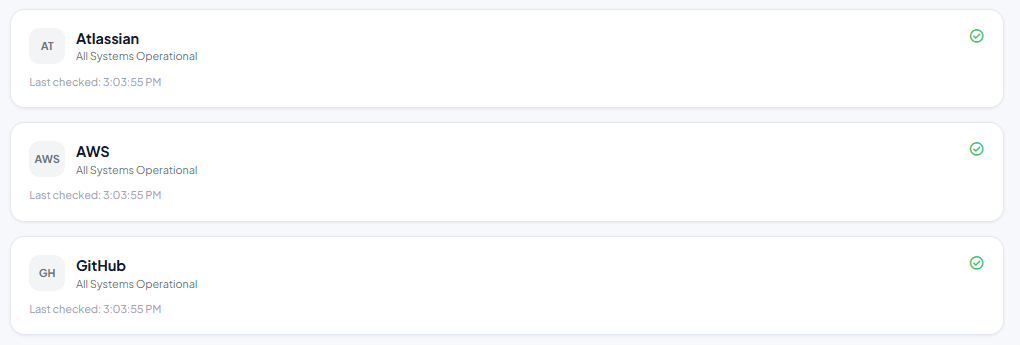


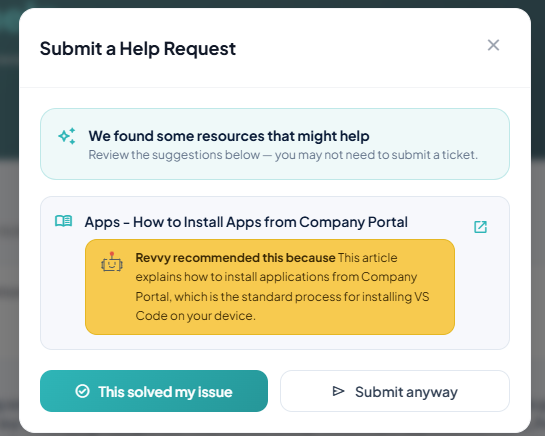
Not sure where to start? Just ask Revvy. Our AI assistant can suggest solutions to your IT problems, point you to a relevant knowledge base article or quick link, or walk through troubleshooting with you step by step — all in plain language, no ticket required.
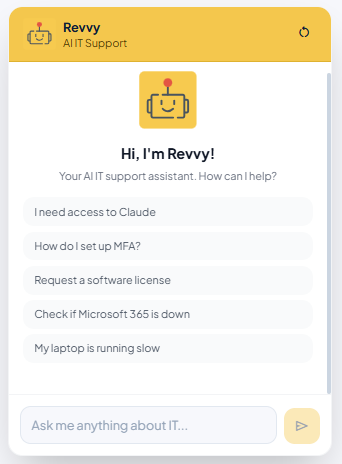
Web Browser
The portal is accessible from any browser on Windows or Mac. Sign in with your Reveleer Microsoft account - no installation required.
selfservice.reveleer.com →Windows Desktop
A desktop shortcut will be deployed to company devices. Look for the Reveleer IT Portal icon in your Start Menu.
Need Help?
Reach IT at it.support@reveleer.com or open a ticket directly through the portal's Get Help tab. We're here to make sure everything goes smoothly.